Virtual staging for real estate agents
Virtual staging with proof the room wasn't changed
Every AI stager says it leaves walls, floors and windows alone. We check. Each photo is compared with your original, pixel by pixel, and comes with a change map that shows exactly what was added: furniture, and nothing else.

 OriginalStaged
Drag across the photo to compare.
Stage 3 listing photos free
What the check catches
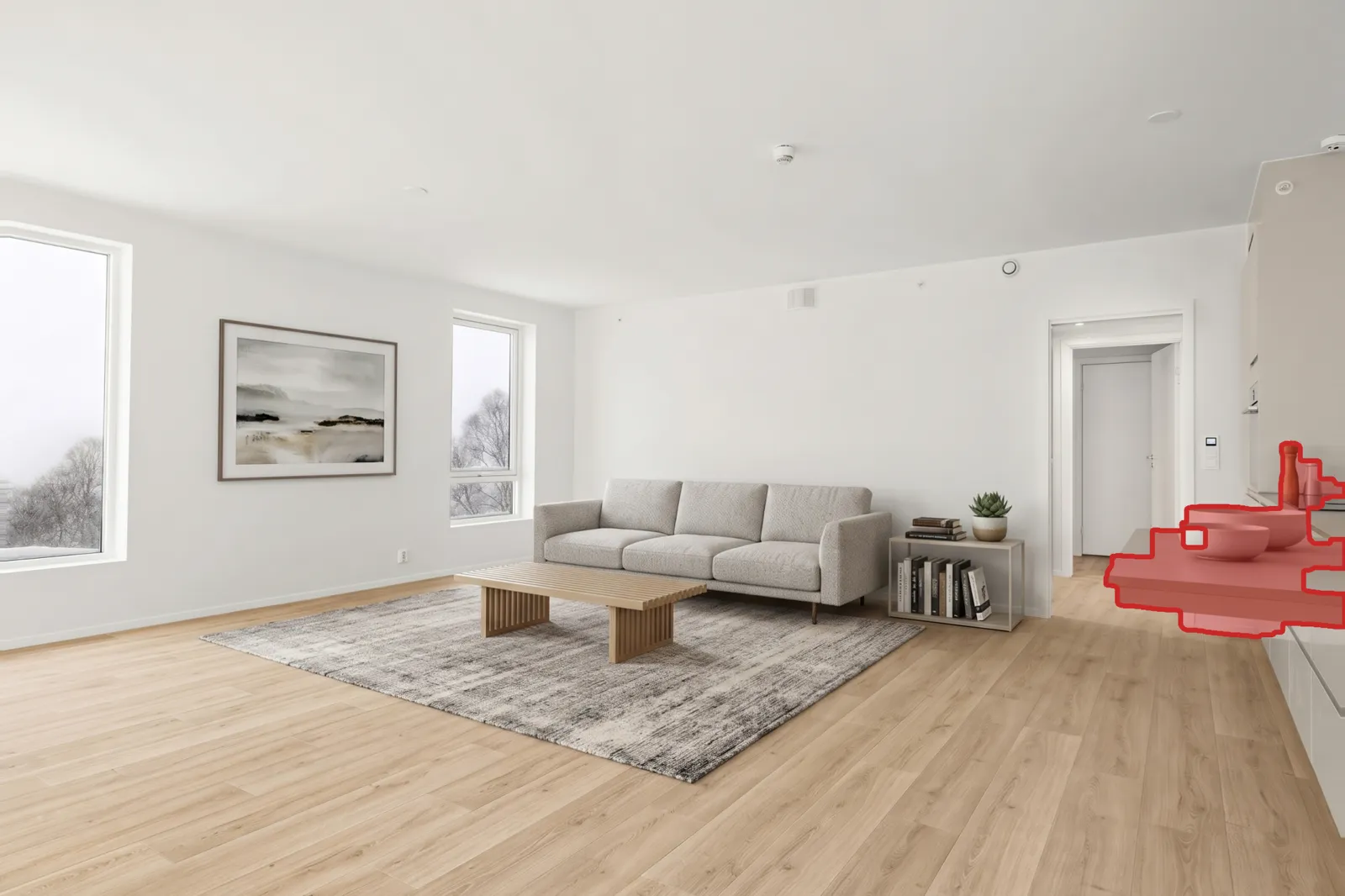
We told the AI to stage this empty room without changing the property. It added a kitchen worktop that isn't there. The check found it, and the photo you get has the kitchen exactly as photographed. A buyer who views the home finds the room they saw.
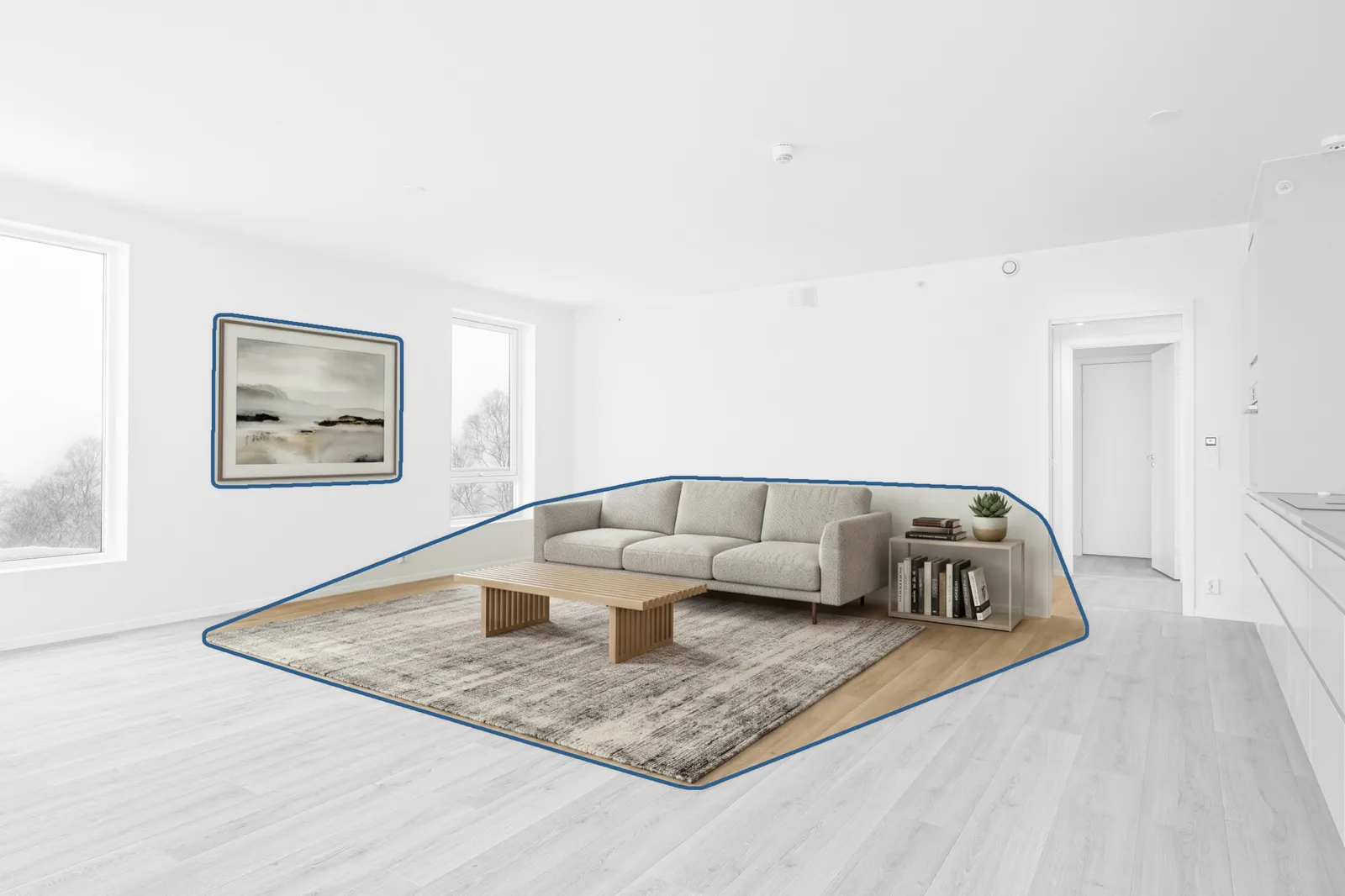
How every photo is checked
- 1. AI stages the room. Furniture, a rug and decor, in perspective, lit by the room's own light.
- 2. It's compared with your original. The staged photo is lined up with your photo and compared pixel by pixel. Every change is sorted into furniture or the property itself.
- 3. Only the furniture is kept. Everything else is put back from your original, and the change map records it. If the camera angle moved, the photo isn't sent.
More rooms, each with its change map
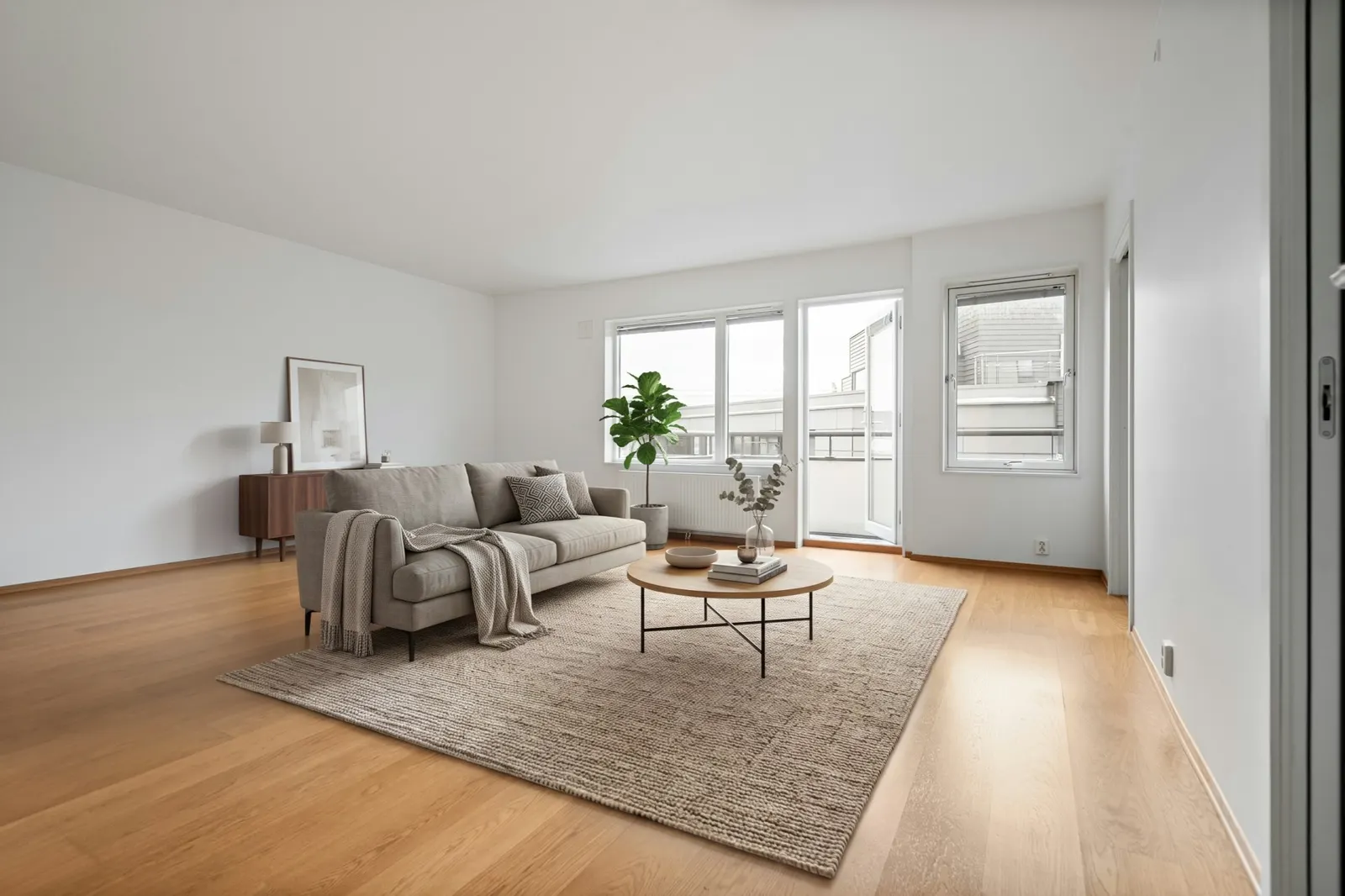
 OriginalStaged
Drag across the photo to compare.
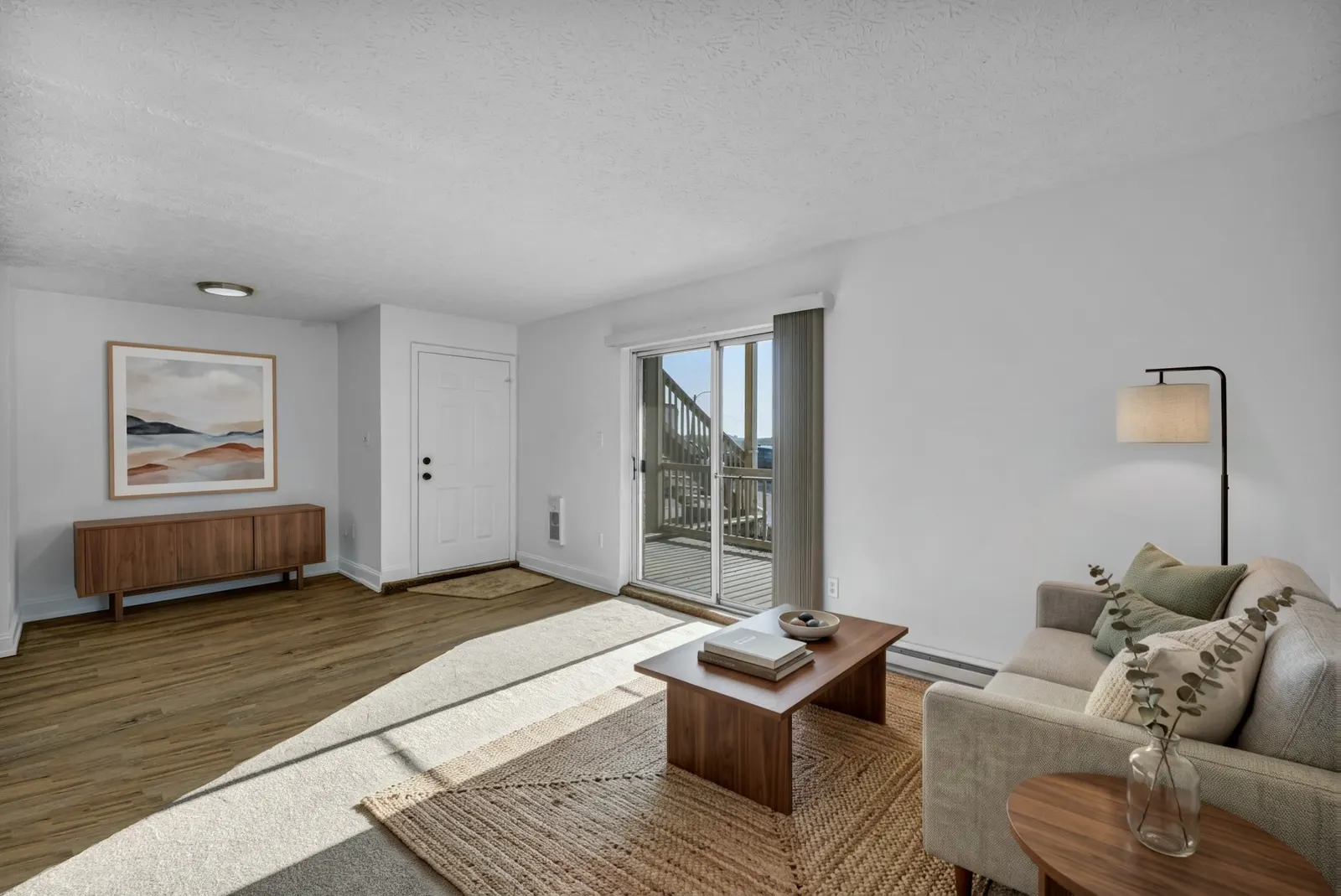
 OriginalStaged
Drag across the photo to compare.
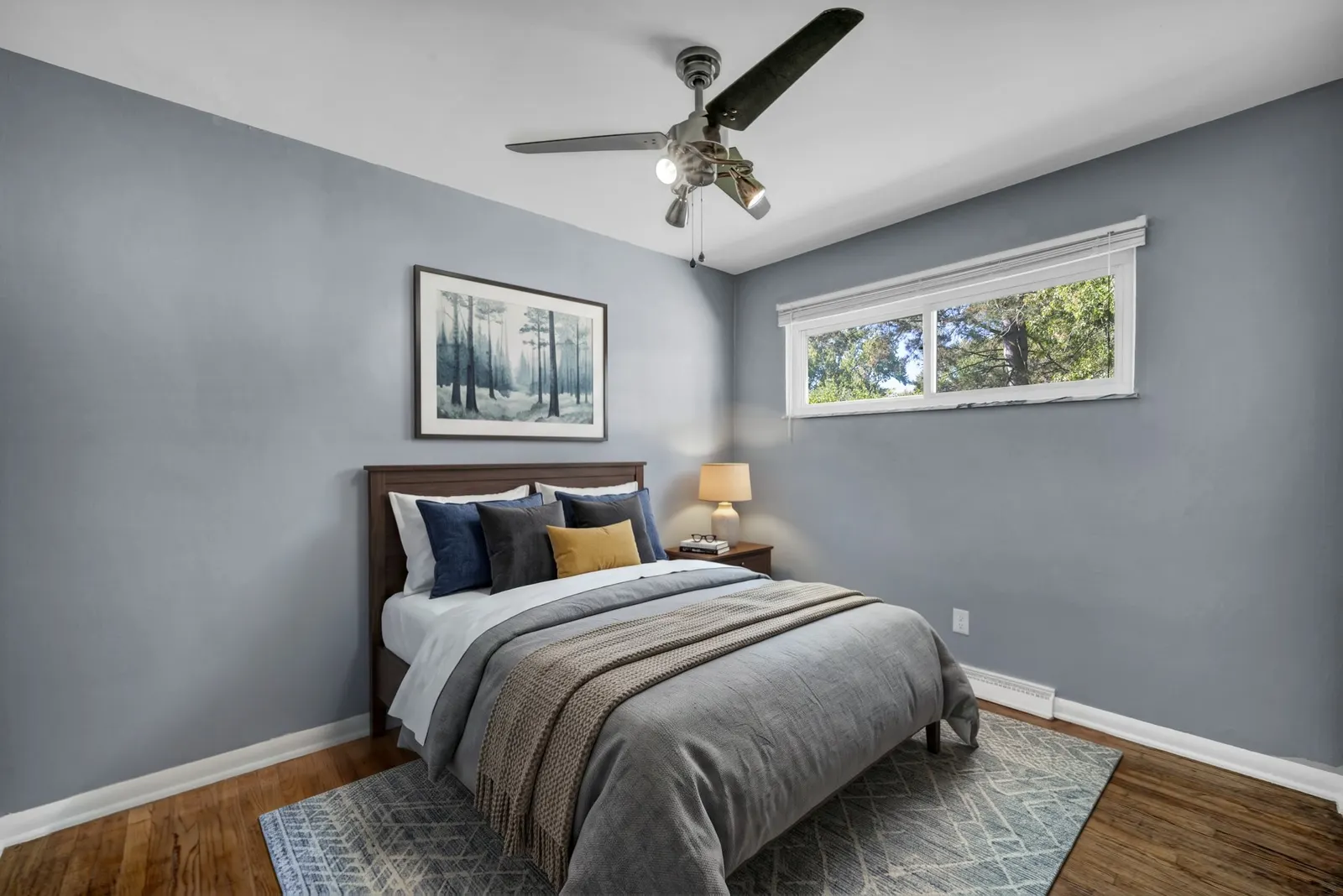
 OriginalStaged
Drag across the photo to compare.
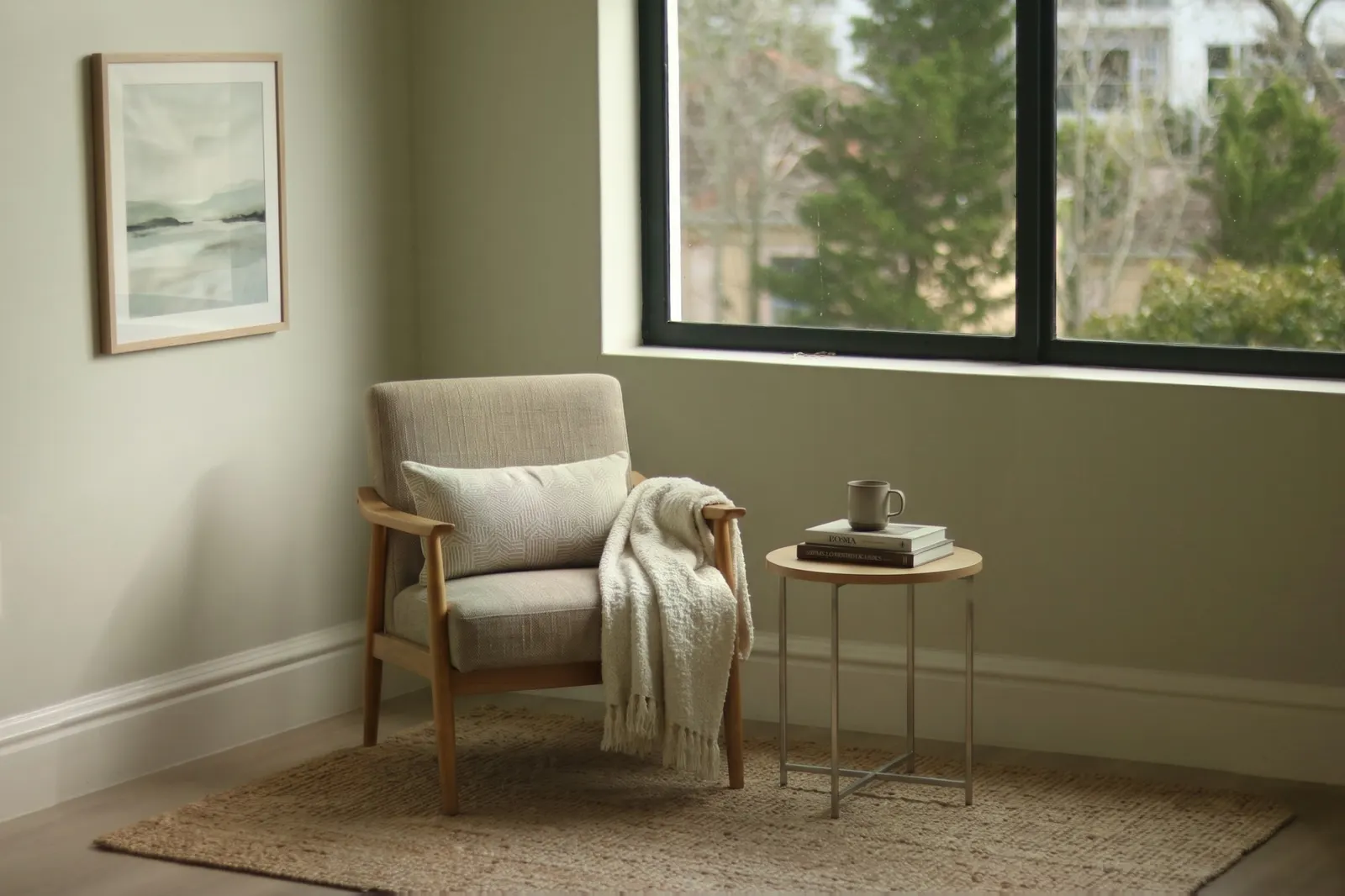
 OriginalStaged
Drag across the photo to compare.
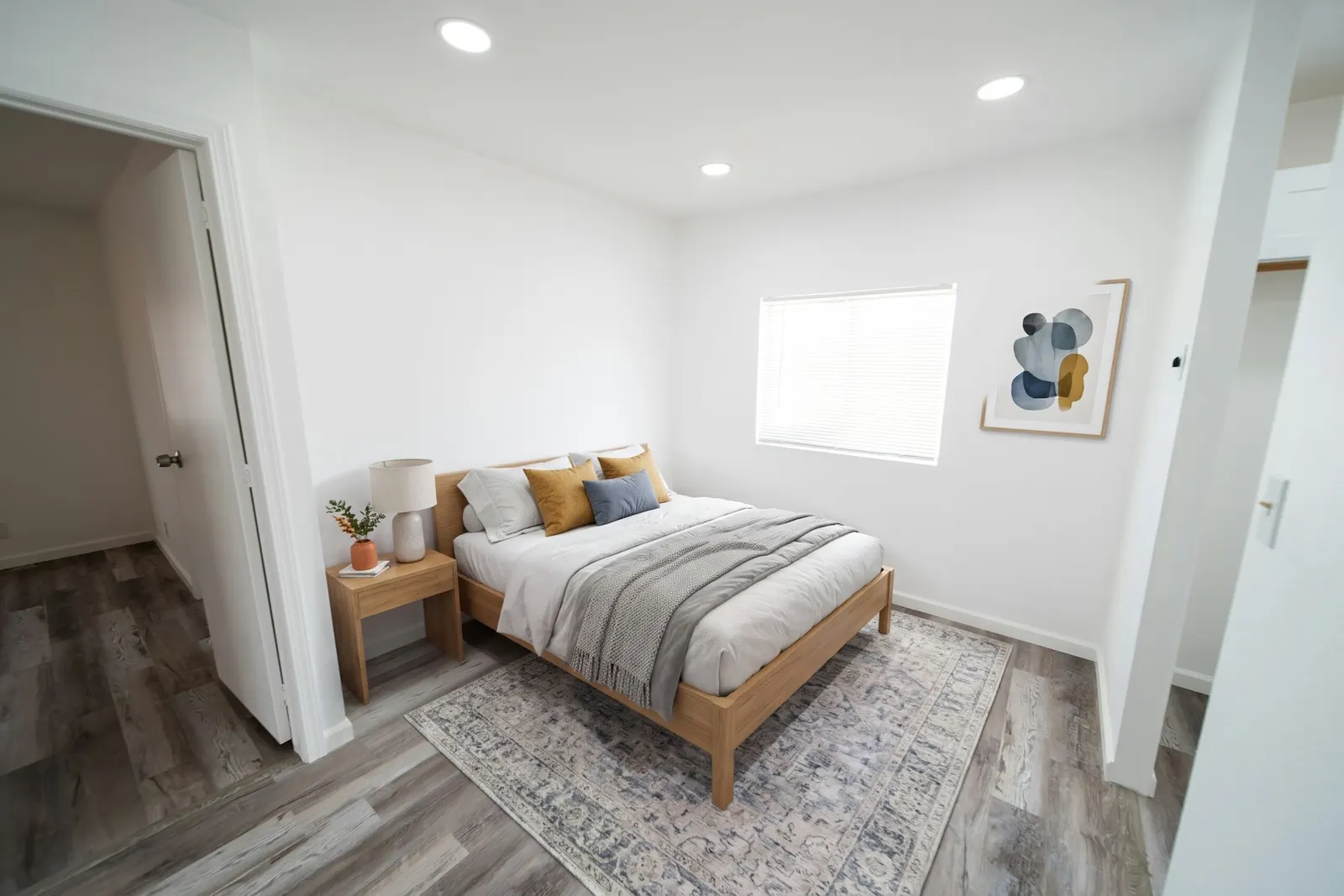
 OriginalStaged
Drag across the photo to compare.
With every photo
- A change map: what was added, outlined, and everything else shown unchanged
- The staged photo, with furniture, rugs and decor that sit on the floor with real shadows
- Your original photo, unaltered, ready to link from the listing
- A “Virtually staged” label, so the disclosure is already done
California's AB 723 requires disclosure and access to the originals. What the law says.
Questions agents ask
Other AI stagers say they don’t change the room. What’s different?
They promise it. We check it. AI image models redraw the whole photo, even when told not to, so details like window views, light fittings or worktops can quietly change. Every photo here is lined up with your original and compared pixel by pixel. Only the furniture is kept, everything else is put back from your original, and you get a change map that shows it.
What is a change map?
An image of the staged photo where everything that was added is outlined in colour and everything taken from your original photo is shown in grey. You can share it with a seller, a buyer or your MLS to show nothing about the property was altered.
Do I have to disclose virtual staging?
In California, since 1 January 2026 (AB 723), a listing with digitally altered photos must say so and give buyers access to the unaltered originals. Many MLSs have their own rules too, so check yours. Every photo here comes with its original, a change map and a “Virtually staged” label.
What if the AI changes the room anyway?
It often tries. In our tests it redrew views through windows, a chandelier and, once, added a kitchen worktop. The check finds every change to the property and puts the original back. If the camera angle itself moved, the photo isn’t sent.
Can it stage an occupied or cluttered room?
Not yet. It works on empty rooms, because removing furniture means inventing what is behind it, and that would change the property.
Which photos work best?
Empty rooms photographed level, from a corner or doorway, with some floor in view. Very tight close-ups, like a fireplace filling the frame, are the hardest.
How much does it cost?
Early access is free: 3 photos per agent. Join below and we’ll email you when it opens.
Guides
- California AB 723: what a virtually staged listing photo must include
The disclosure, the link to the original, and the MLS rules on top, in plain English.
- How to check a virtually staged photo didn’t change the room
A 60-second check against the original, what to look at, and the automatic version.